● Documentation
How to manage a subscription
Your account · 4 steps


Your account · 4 steps
Managed clients never have to follow these. Ask and we will do it.
Log in to the Lyons Web Solutions Dashboard.
Not sure how? See How to access the Lyons Web Solutions Dashboard.
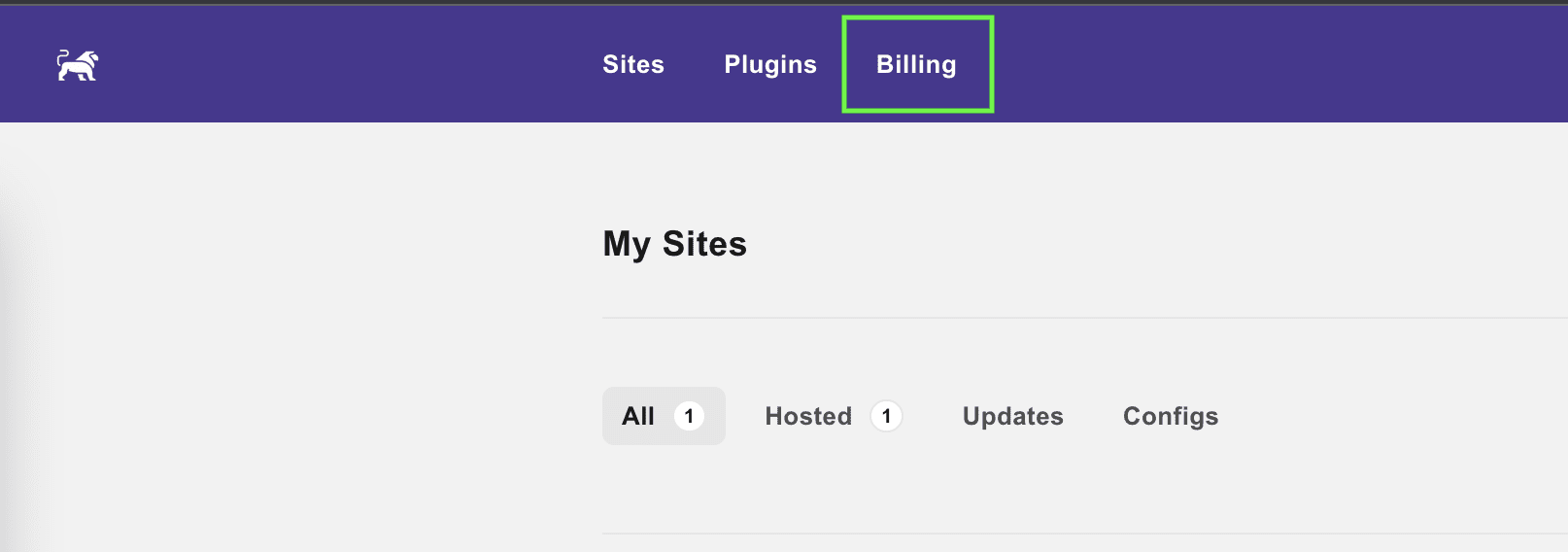
Once you have logged in, select Billing from the top menu.
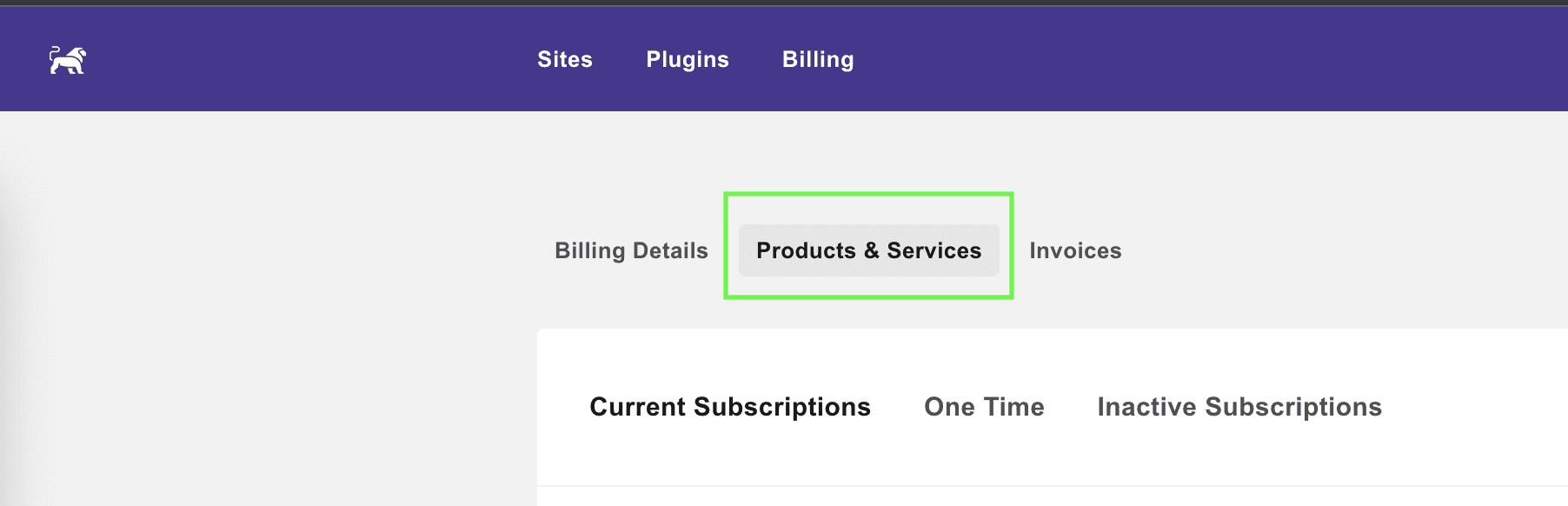
Select Products & Services. This shows your current subscriptions.
Select the three dots next to the subscription you would like to manage.
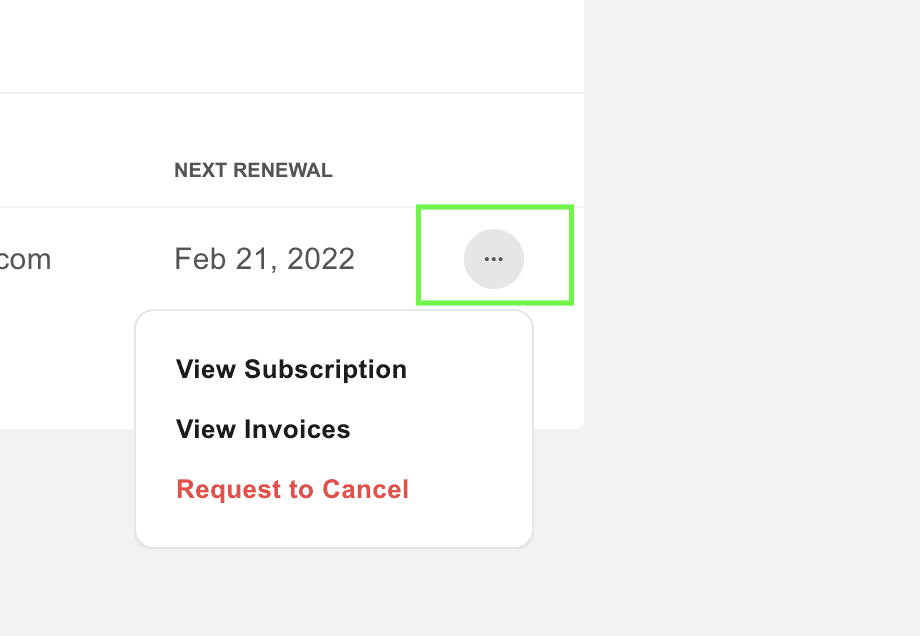
If a change to your plan is not available from this menu, contact us and we will make it for you.
Telephone or text and you will reach someone who already knows your account.