● Documentation
How to log in to WordPress
WordPress · 2 minutes


WordPress · 2 minutes
Managed clients never have to follow these. Ask and we will do it.
This is the admin area of your own WordPress site, which is separate from the Lyons Web Solutions Dashboard used for billing and account management.
In your web browser, go to the address bar and type your domain name followed by /wp-admin or /wp-login.php.
For example:
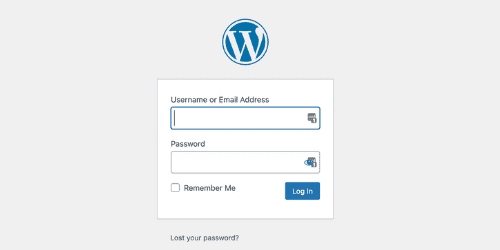
Enter your WordPress username or email address along with your password.
These credentials were set up during installation. If you have forgotten your password, select Lost your password? to set a new one.
If the login page will not load at all, that is usually a hosting or DNS problem rather than a password problem. Contact us and we will look at it.
Telephone or text and you will reach someone who already knows your site.