● Documentation
How to access the Lyons Web Solutions Dashboard
Your account · 3 steps


Your account · 3 steps
Managed clients never have to follow these. Ask and we will do it.
The Lyons Web Solutions Dashboard makes it easy to monitor, optimize, and update unlimited sites from one location. Get up to speed with instant site status overviews, and label and organize your sites with the Dashboard’s intuitive filtering tools.
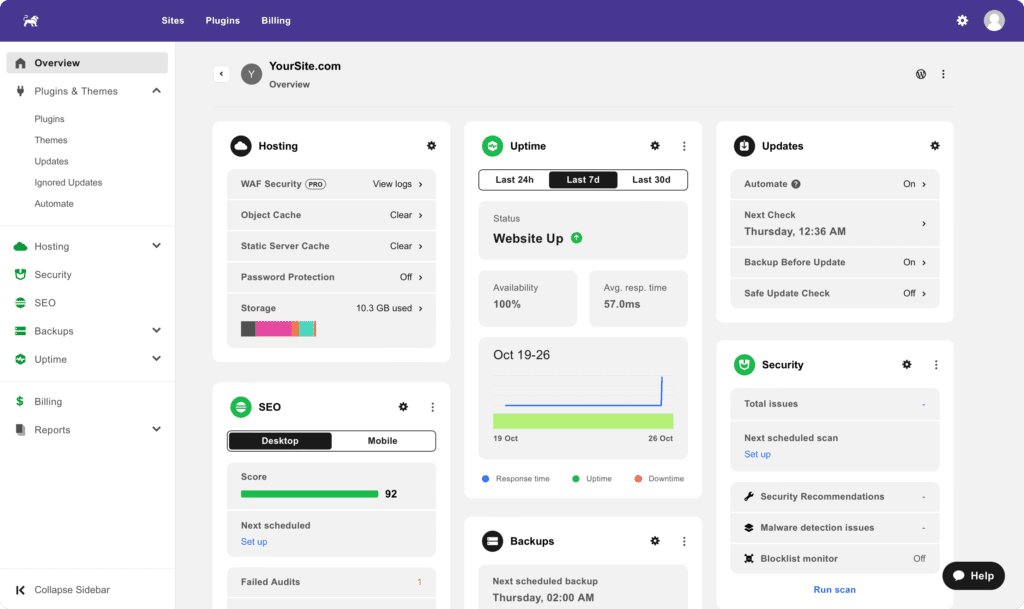
To get started with the Lyons Web Solutions Dashboard, follow these steps.
Go to the Lyons Web Solutions Dashboard at /dashboard/.
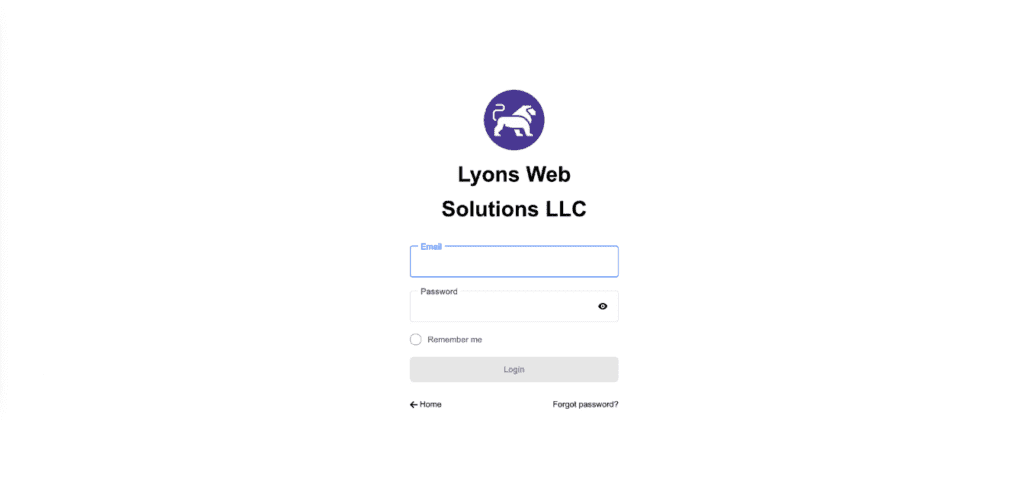
Enter the email address you provided when you registered, along with the password you set when you accepted your invitation. If you have not received an invitation from us and are expecting one, please contact us.
If you have forgotten your password, select Forgot password? to set a new one.
Once you have entered your credentials, select Login to open your account and site management dashboard.
From there you can view and manage billing, account preferences, site management functions, and more.
Telephone or text and you will reach someone who already knows your account.